Use cases
Four ways to use Agent Panel.
Put local models, persistent terminal sessions, and projects across every machine you control behind one browser workspace—then step in only when the work needs you.
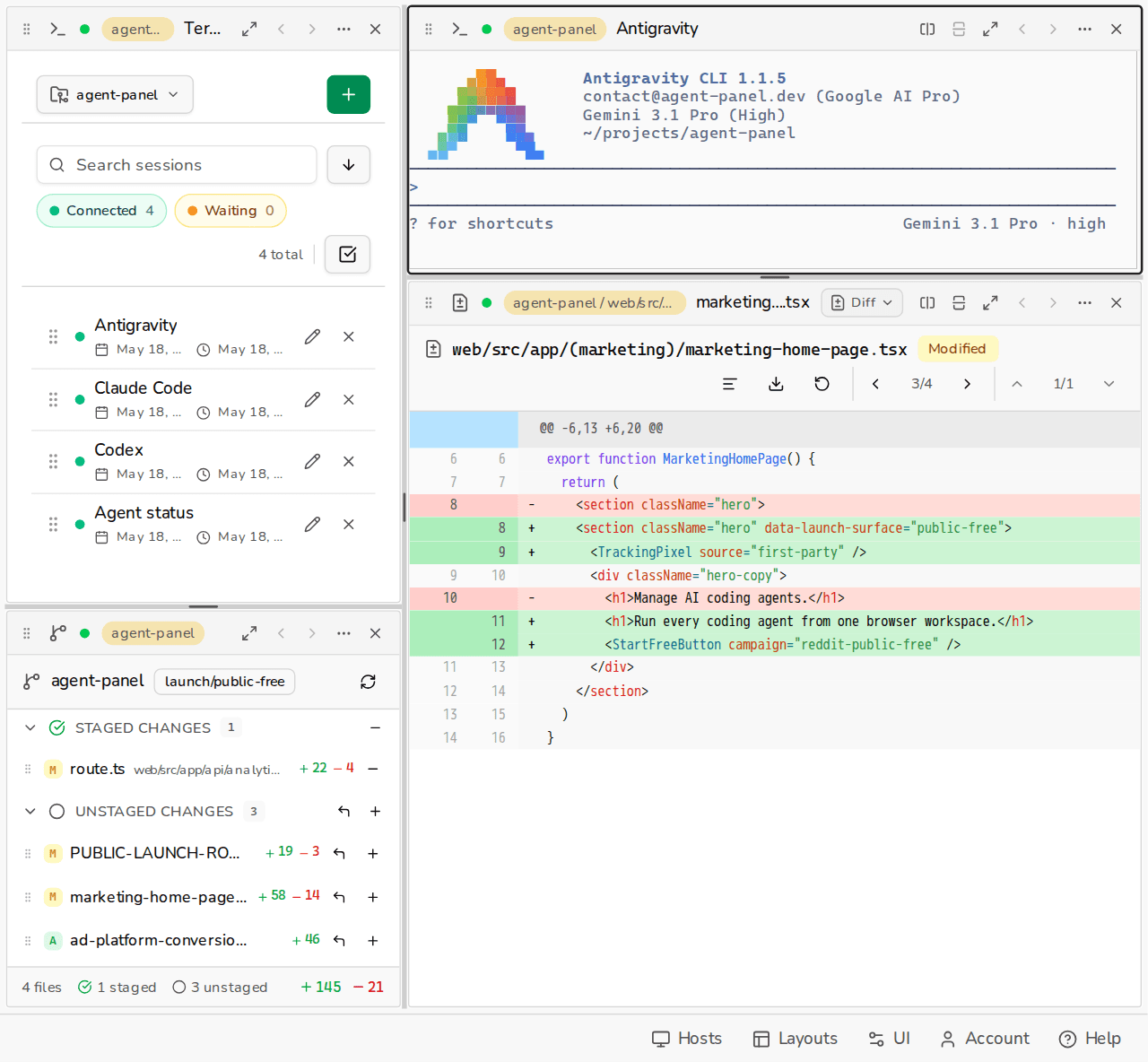
Use local inference from anywhere.
Start a task with a model such as qwen3-coder on the GPU workstation in your office, then take your tablet to the couch. An hour later, when the model asks whether to replace the cache or migrate it in place, open the live session, inspect its changes, answer, and let the workstation keep going.
Install Agent Panel on the host workstation once. Keep running Ollama, aider, or your preferred terminal tools exactly as you do now, then reach that machine from agent-panel.dev on any device.
Ollama, qwen3-coder, Aider, Claude Code, and Codex are examples. Anything that runs in your terminal works here.
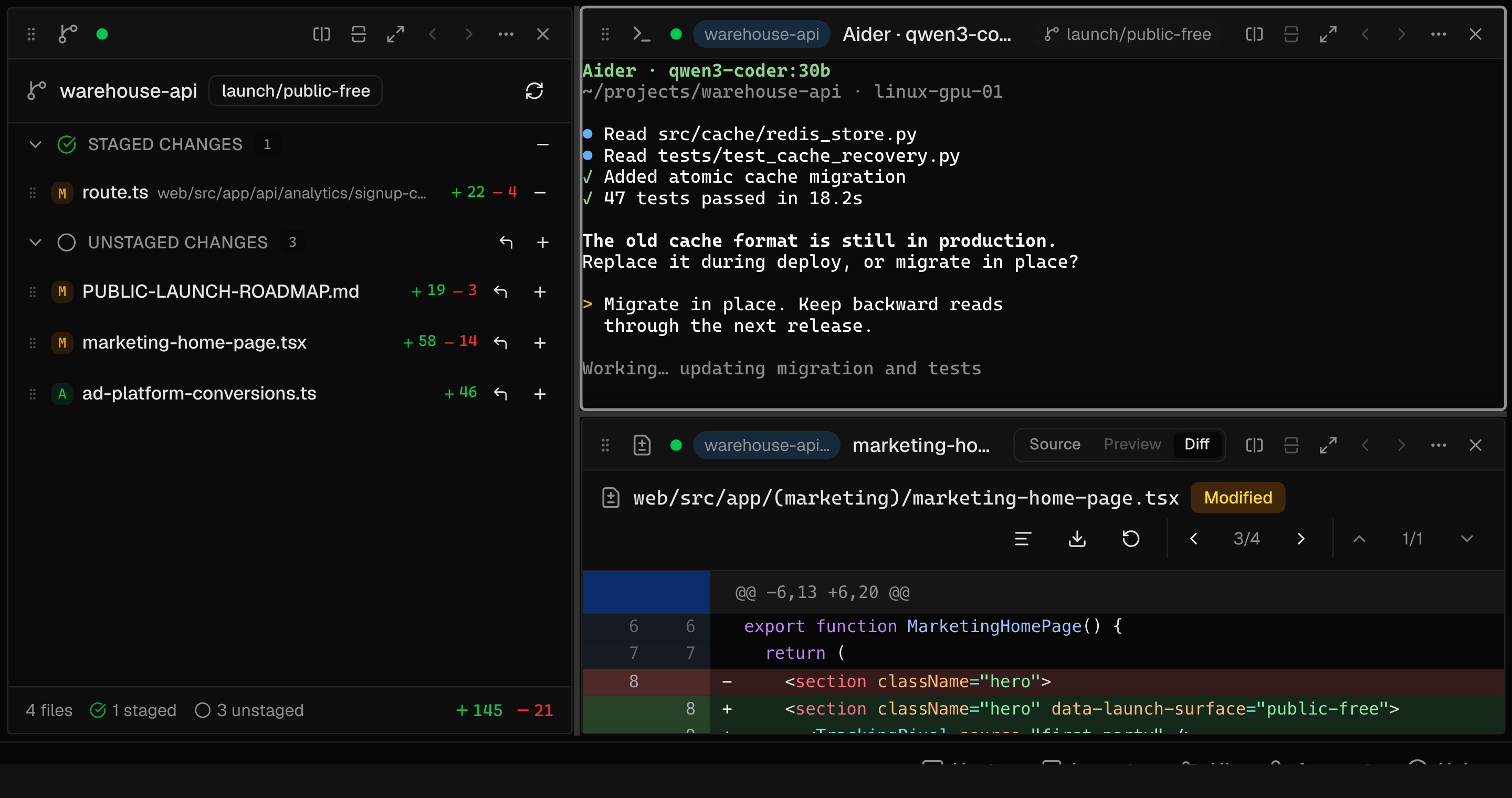
The model, repository, credentials, and commands stay on your workstation.
The terminal stream and the file or diff content you choose to open.
One dashboard for all the work you do.
One place to work does not mean one machine underneath.
Company code can stay on the work laptop. Personal projects and local models can stay on the Mac mini. Large builds can stay on a Linux machine. Agent Panel puts their live terminals in one browser without moving the repositories or flattening the environments.
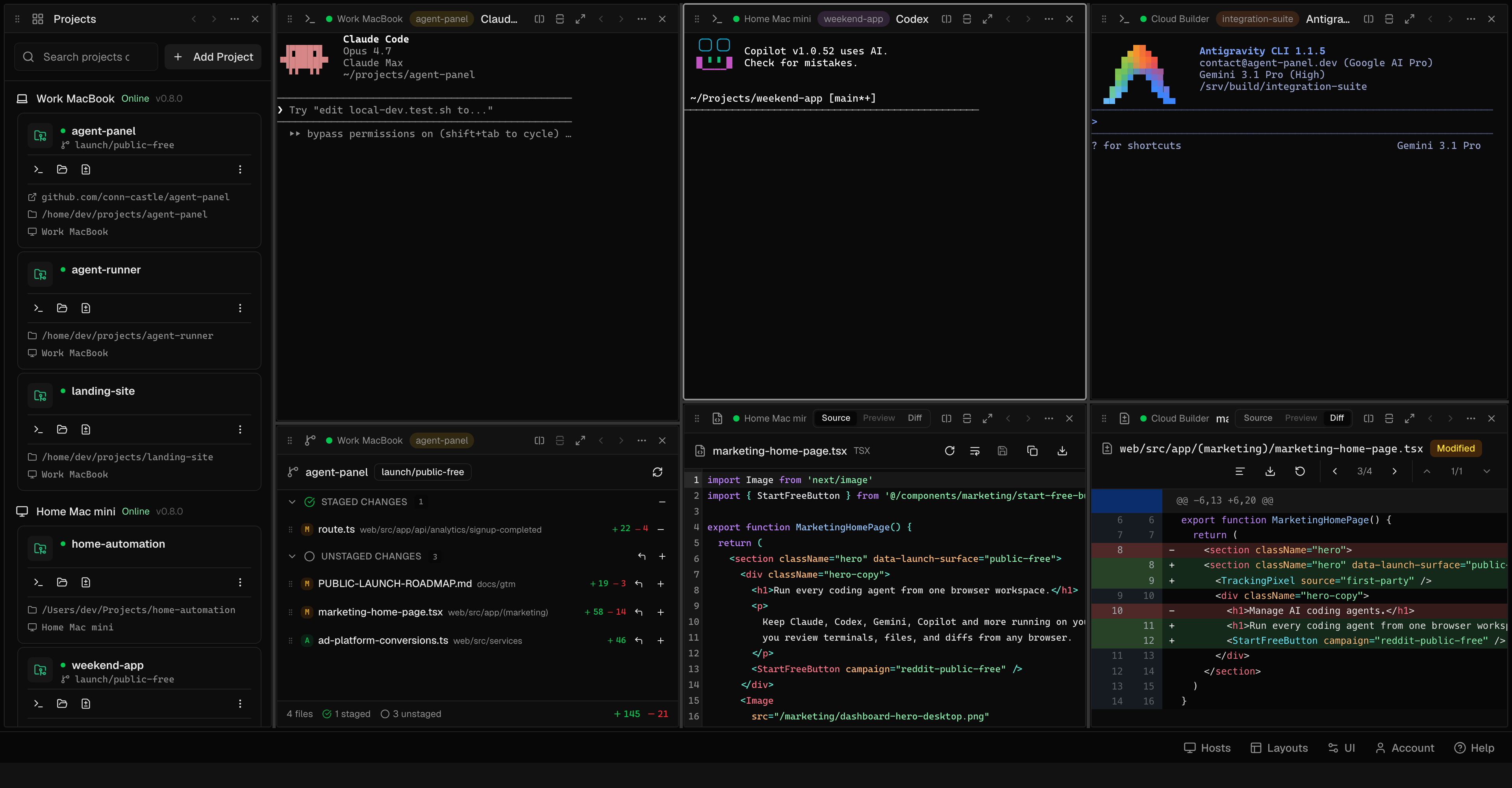
Select a machine to see its panes, or drag in any direction to explore the native-size workspace. The repositories never leave their machines.
Claude Code has finished the first pass and stopped on one decision.
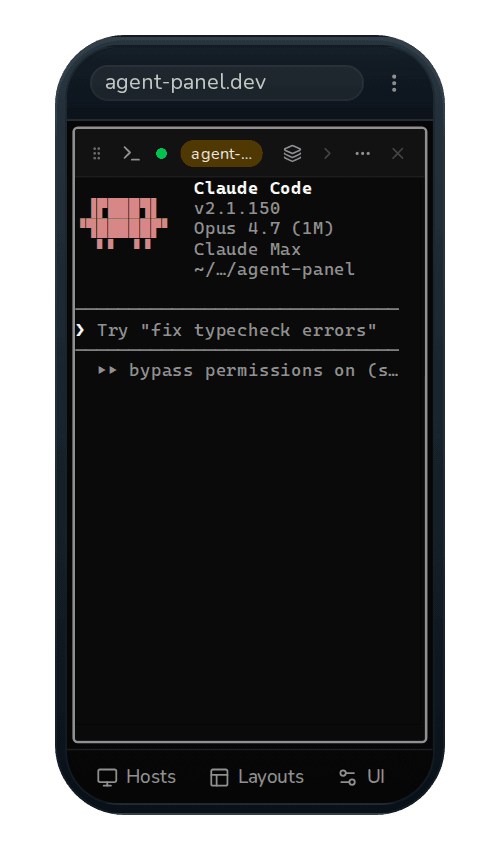
Don't wait at your desk. Answer from anywhere.
Agentic work is uneven. A run may spend a long stretch editing, testing, or investigating before it needs one decision from you. That is not a reason to stay at your desk.
Read the live terminal. Open the actual changed files. Inspect the diff and run the project's tests. Answer the prompt, redirect the run, and close the browser again.
You are controlling the real process and working tree on the host—not reading an exported transcript or notification feed.
The connected host must remain powered on, awake, and online.Close the tab, switch devices, or reload after an editor update. Only that attachment ends. When you return, the terminal clears, applies the recorder's bounded retained output, and resumes live bytes from the shell and agent that kept running on the host.
Authenticates the browser, forwards terminal input and resize events, and opens the recorder's Unix input and output sockets. After a restart, it discovers the surviving tmux sessions and rebuilds its catalog without ever taking ownership of their shells.
Owns the pseudo-terminal, shell, session metadata, and recorder process for this terminal, independently of the browser and local daemon that connect to it.
Close your IDE. Run agents in persistent terminals.
Reload to reconnect with the latest version. Terminal sessions and unsaved source edits will be restored, and this tab's workspace will be restored.
Reload Agent PanelIDEs are excellent when you are reading code closely, editing by hand, tracing behavior, or reviewing a difficult diff. Agent Panel does not replace that work. It is for the rest of an agent-heavy day: start and steer agents, watch several runs across projects, answer when one blocks, and reconnect from any device. Use the IDE when you need to touch the code yourself; use Agent Panel to orchestrate the work around it.
That terminal-first setup is a better fit for long agent runs than keeping every project open in a full editor. Each terminal is an independent packaged tmux session, so browser reloads, editor updates, and local daemon restarts do not replace the agent process. Close the IDE between hands-on reviews and leave only the agent, shell, and tools running on the machine. You reduce the number of applications tied to the job while gaining a session you can reattach to instead of reconstruct.
The local daemon owns authentication and transport. On attach, it opens the tmux-owned recorder's Unix input and output sockets, sends retained output to the browser, then continues with live terminal bytes. Restarting the daemon replaces that bridge without replacing the pseudo-terminal, shell, or agent process. No per-project tmux scripts or nohup wrappers.
- Unaffected by
- Browser close · relay disconnect · local daemon restart
- Reattach restores
- Recent output · metadata · live terminal
- Stops when
- Host shuts down · tmux session is killed
Start with one real workflow
Connect the machine you already develop on.
Start one real agent session, leave the browser, and reattach from another device. That small test shows the whole idea: your tools stay where they belong, while your access stops being tied to the desk.